'Video Painter Goblin' illustration by Anne Douris
First Of Its Kind
Can't find another out-of-the-box MIDI-triggered visualizer that handles transparent HAP video? Neither could I, so I built this one.
Think of Video Painter as the video version of the MPC3000; a fun way to sample video clips in realtime, but that's not all! Video Painter also supports different visual library types including PNGs, 3D OBJs, and Shaders (ISF).
This software was designed to be as easy as possible to plug in a MIDI device, or use a microphone, and instantly create mesmerizing visuals.
Created by Canadian artist/musician/developer Strange Process. Learn more about the story here.
Buy Your Copy Today
Buy once, use forever.* No monthly subscriptions!
Minimum System Requirements
macOS 10.15 or later (Intel or Apple silicon) | 8GB RAM | 1GB Disk
Space
Windows 10 (64-bit) or later | 4GB RAM | 1GB Disk Space | OpenGL 3.3
compatible graphics card
*Figuratively speaking. Forever is a mighty long time, no guarantees once our sun goes supernova...
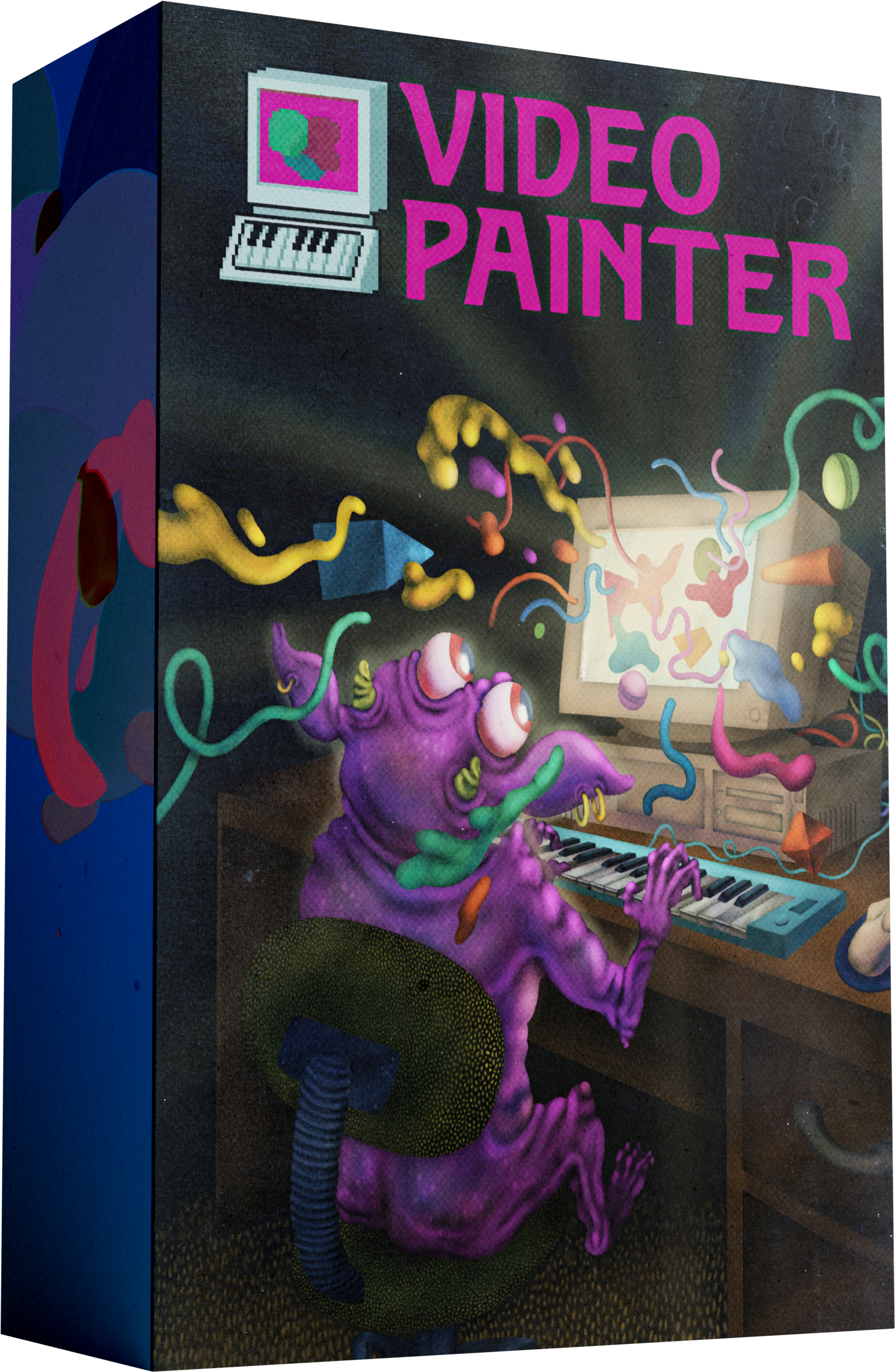
Video Painter is a digital software product. Box shown for illustration purposes only.
LITE
Ideal for hobbyists and students!
NO SUBSCRIPTIONS!
Good price for a great time!
- ✅ Instant plug-and-play experience ideal for students, kids, teachers, and casual tech explorers
- ❌ No commercial use rights
- ✅ Instant license key delivery and 2-device activation (Windows and/or Mac)
- ✅ 12 visual libraries
- ✅ 9 built-in patches
PRO
Perfect for multimedia wizards!
NO SUBSCRIPTIONS!
- ✅ Instant license key delivery and 2-device activation (Windows and/or Mac)
- ✅ Commercial use rights
- ✅ 25 visual libraries
- ✅ 30 custom patches
- ✅ Custom visual library import
- ✅ Custom MIDI mapping
- ✅ Syphon/Spout output
- ✅ Custom patch export/import
- ✅ Wallpaper mode for video and PNG libraries
- ✅ Orientation Adjustment
- ✅ Output Shaders/Effects
- ✅ Live Camera Video Background
Everything in 'LITE', plus...
Purchase once and use the software forever including minor patches and updates!
*Depending on demand, major updates may be released periodically (for example, annually). These future upgrades, if offered, would be an optional lower 'upgrade' price, but they would not be required to continue using your existing version.
UPGRADING
Already purchased LITE and now you want to upgrade to PRO eh? No worries there bud. Just fire over an email to support@videopainter.ca with your order number to receive a discounted upgrade link for the cost of PRO, minus your LITE purchase price. Upgrades are currently reviewed and handled on a manual basis so I appreciate your patience (just pretend it's the 1990s).

More About Video Painter
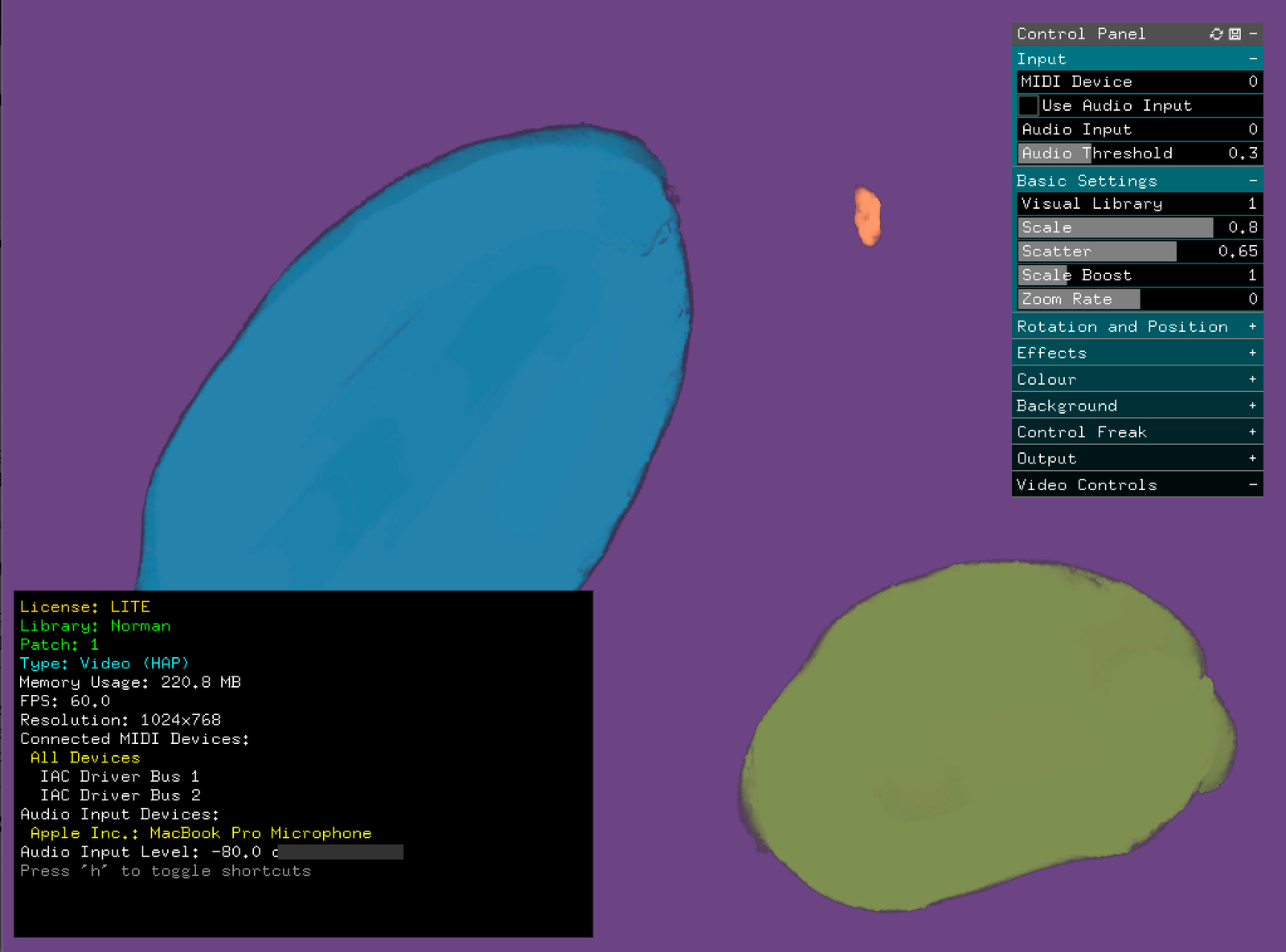
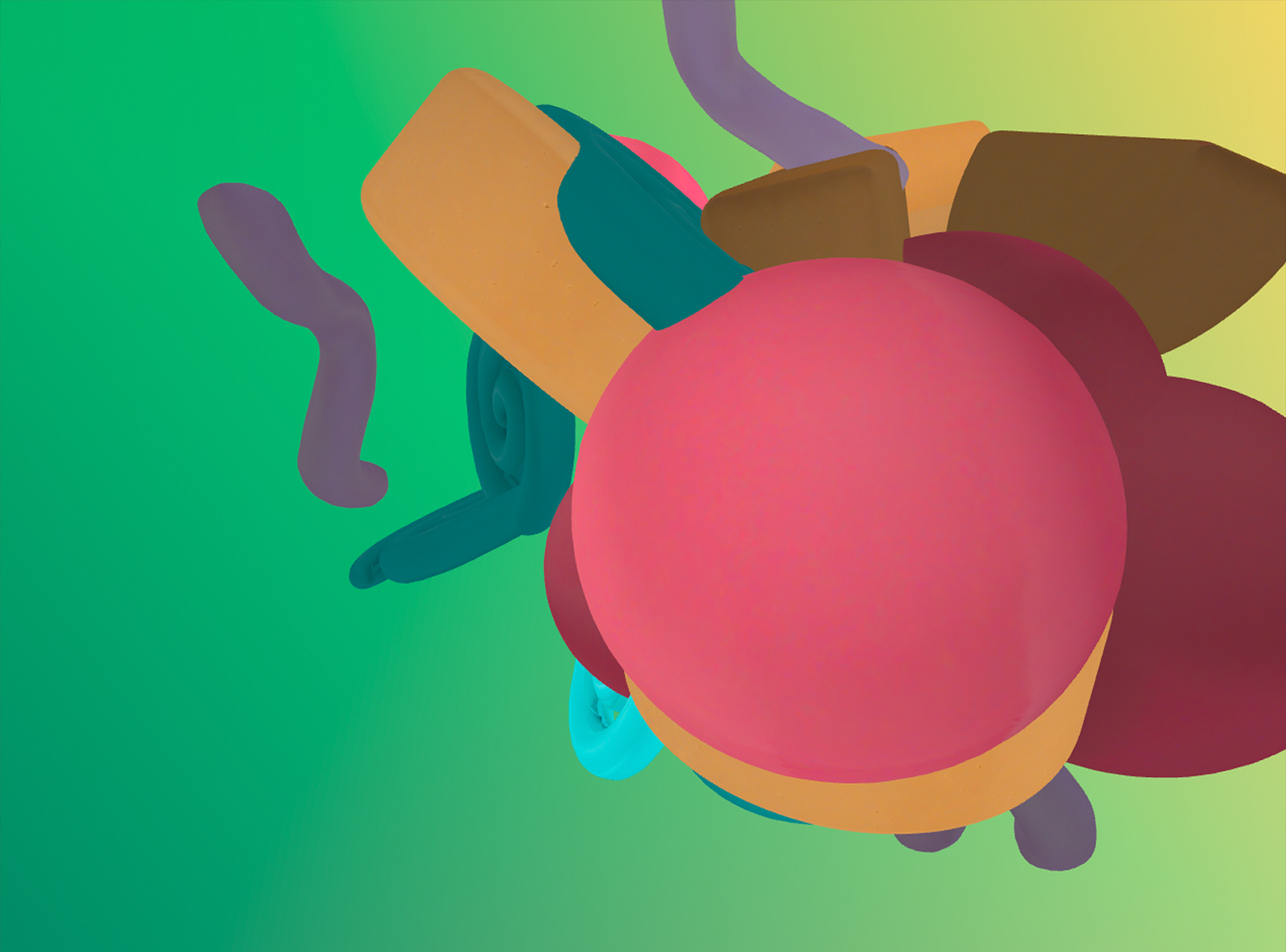
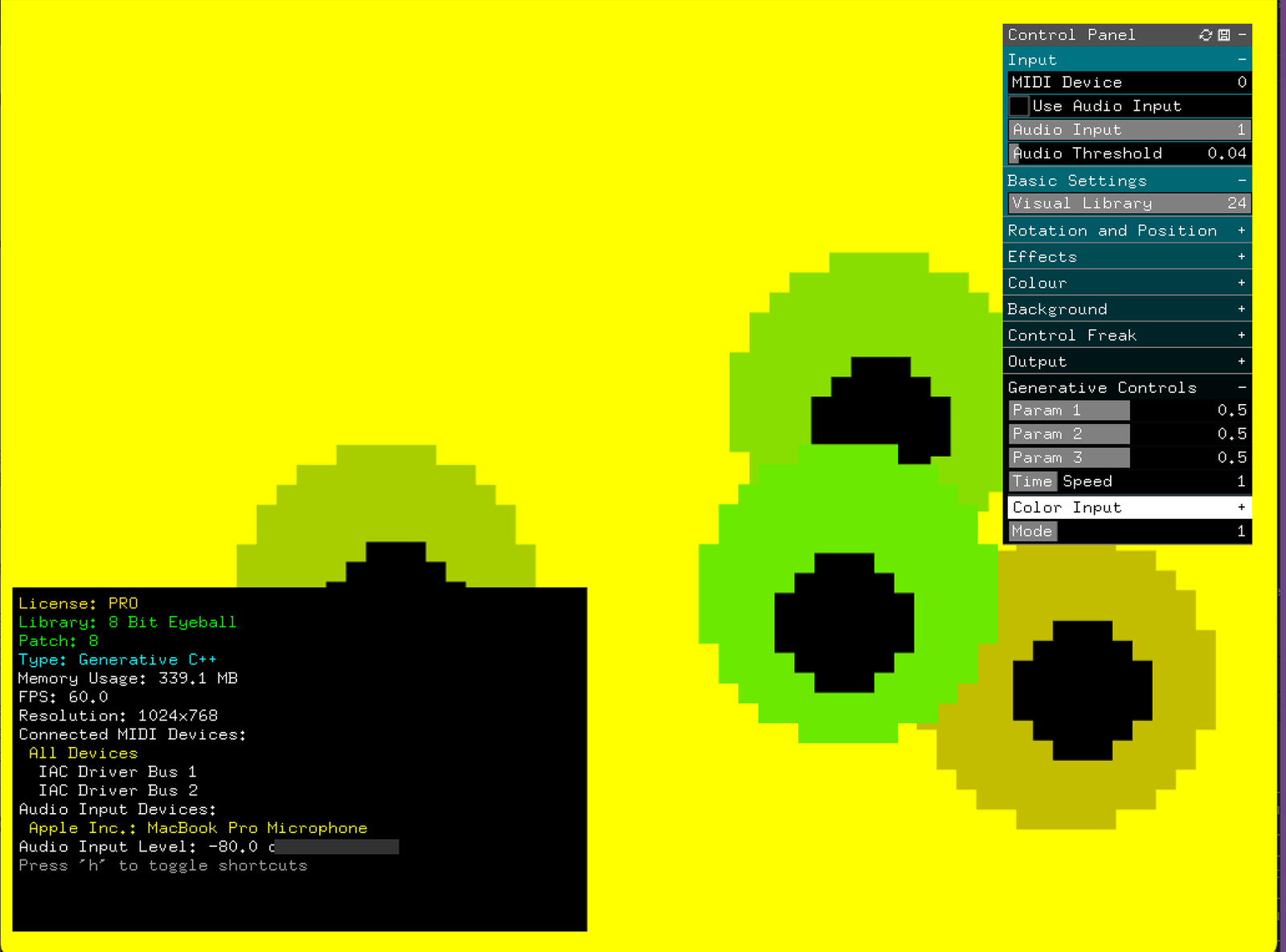
In the simplest terms, Video Painter triggers visuals based on your MIDI or audio input. You can control the visual library, and using different settings and effects, achieve a great diversity in your looks. It relies on a modular concept of different visual libraries, akin to how a synthesizer can use different sounds. Video Painter does not generate audio itself, rather it focuses on the visualisation of MIDI or audio inputs you send it.
It currently supports 4 different visual library types: HAP-encoded transparent video (with no audio), 3D OBJ, ISF (Interactive Shader Format), and PNG Images.
PRO edition allows users to import their own custom libraries, create custom MIDI mappings for their hardware, as well as many other unique features outlined in this manual and on our website. The program has been designed to be fun for a button-mashing plug-n-play beginner, but also capable of creating more sophisticated setups and outcomes for advanced multimedia artists.
About Strange Process
Looking back, it only seems natural that I ended up here. With over 25 years spent exploring music, visual arts, and development, Video Painter perhaps represents the epicenter of my creative path. I've spent years working on this concept, and I can't wait to see what other creatives make with it. I have personally used Video Painter to create music videos, live visuals (real-time and pre-rendered content), and make live interactive art installations. I have a stack of planned features to expand the uses of this software, and I expect to be working on it for many more years to come.
- Strange Process
What The Beta Testers Said
"I was in a foul mood all morning, lethargically chipping at some emails, and then I booted this up and suddenly the world is FULL OF POSSIBILITY."
"I’ve spent hours playing with Video Painter and I feel like I’ve barely scratched the surface of its potential. I keep dreaming up new ways to use it, can’t wait to experiment with it more!"
"This is a passion project and it shows. A fantastically unique piece of software with beautiful animations!"